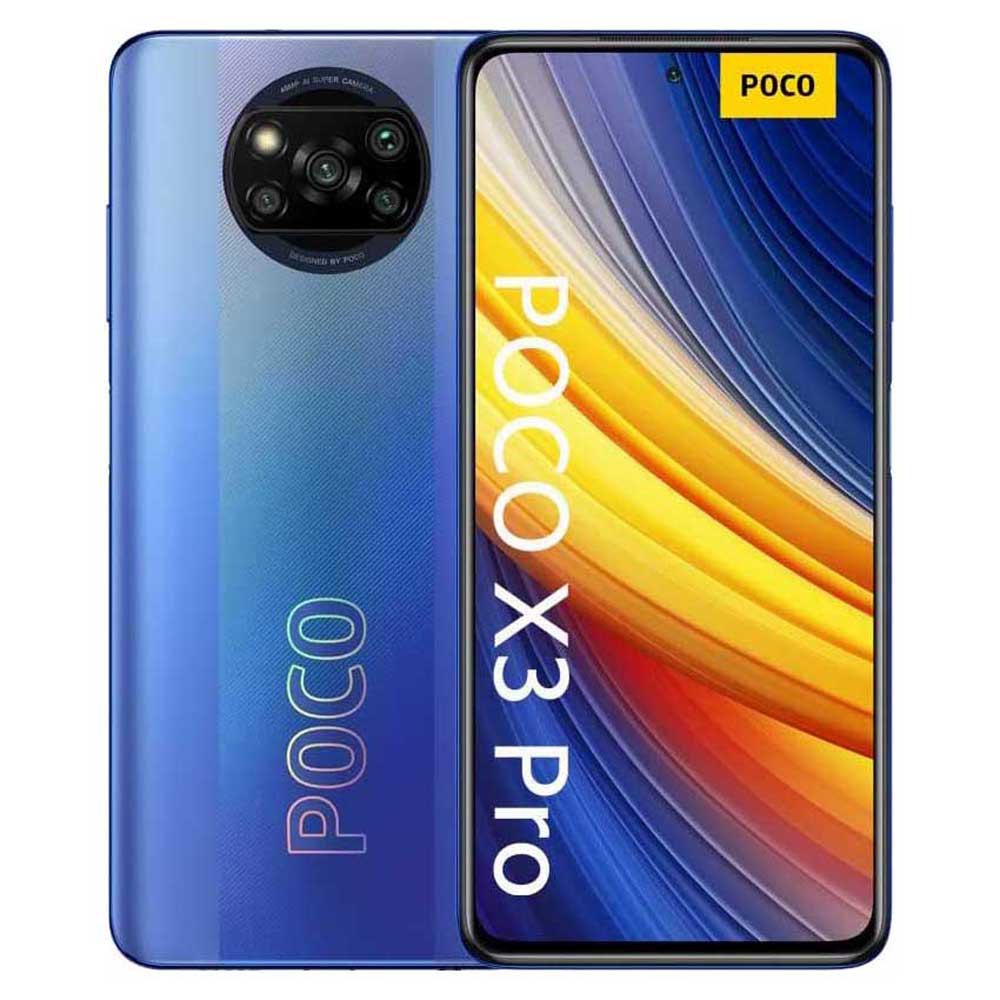
Unlock FRP on Poco X3 Pro MIUI 14: The Ultimate Guide to Unlocking Developer Frameworks with Unlock FRP
Unlock FRP on Poco X3 Pro MIUI 14: The Ultimate Guide to Unlocking Developer Frameworks with Unlock FRP
Poco X3 Pro MIUI 14 users navigating the constraints of stock software now have a powerful solution: unlocking the FRP (Framework and Runtime Platform) environment through the Unlock FRP tool. This guide delivers a comprehensive walkthrough on enabling developer-level access, bypassing MIUI limitations, and leveraging advanced frameworks to enhance device customization and performance. With FRP unlocking, tech-savvy users gain unprecedented control—opening doors to full system manipulation, deep-level debugging, and transparent app development on Poco’s premium smartphone.
For developers and power users, mastering this process transforms the Poco X3 Pro from a coated device into a fertile playground for innovation.
Why FRP Matters in MIUI 14 Commercial Ecosystems
MIUI 14, by design, imposes strict restrictions on rooted and non-client frames, limiting direct access to core system libraries and runtime environments. This controlled environment protects device stability and security but sidelines advanced users craving raw functionality.FRP—short for Framework and Runtime Platform—unlocks the hidden layers: kernel modules, system hooks, and native APIs otherwise locked behind MIUI’s gate. “FRP is the missing bridge,” explains industry analyst Laura Chen. “It lets developers interact directly with device hardware and processes, enabling everything from performance tuning to reverse-engineering.” For Poco X3 Pro owners aiming to push beyond MIUI’s boundaries, unlocking FRP removes synthetic walls and unlocks capabilities that were previously inaccessible.
What is Unlock FRP and How It Transforms Poco X3 Pro Experiences
Unlock FRP is a community-developed tool designed specifically to bypass MIUI’s runtime protections and enable native developer access on rooted Poco devices. The tool operates by patching or replacing key encryption layers in the Android framework, effectively “unlocking” FRP services normally inaccessible to end users. For the Poco X3 Pro running MIUI 14, installing Unlock FRP grants: - Access to full debugging interfaces and reverse debugging tools - Integration with IDEs like Android Studio for native app development - Ability to develop proprietary enhancements without vendor interference - Improved stability in tinkering, thanks to fine-grained system permission controls “FRP unlocks the ability to build, test, and deploy applications at a system level,” notes a developer using Unlock FRP in early testing.“What was once a locked gated jungle becomes a fertile sandbox.” The tool’s design respects Poco’s hardware integrity while empowering users to extend MIUI’s functionality in secure, tested ways—ideal for both enthusiasts and developers aiming for high-margin customization.
Step-by-Step Guide to Safely Unlock FRP on Poco X3 Pro MIUI 14
Unlocking FRP requires technical precision and caution. While the process varies slightly by device model and ROM build, a standardized workflow ensures safe, effective setup: 1.**Confirm Device Compatibility** Verify your Poco X3 Pro supports MIUI 14 FRP unlocking by checking ROM build compatibility (GHI udp builds or custom MIUI backports are most reliable) and hardware compatibility with unsigned kernels or modded principles. 2. **Download the Official Unlock FRP Package** Source downloads must come from trusted, up-to-date repositories—avoid mirrored or unofficial variants that risk bricking.
The verified package includes: - FRP runtime patch versions - Antoine shell compatibility layers - Root access certificates (if required) 3. **Backup Critical Data** Before proceeding, back up MIUI system folders, app data,


Related Post

Outdaughtered Cancelled: The Dramic Fall of a Cultural Phenomenon

Enter Real-Time Precision: How After Cast Is Revolutionizing Audio Production

Beanie Sigel’s Net Worth, Age, Weight, and Public Profile: The Ascent of a Legal Playwright in the Entertainment World

Nao Sei: The Rising Force Reshaping Global AI Innovation


